
How to Do a Backlink Gap Analysis Without Paid Tools
On this page
Skip the reading — get a live diagnosis.
Book a callMost people assume a backlink gap analysis requires a paid Ahrefs or Semrush subscription. Paid tools might expedite the process, but well, they’re paid. You’ll be surprised how much you can accomplish by leveraging free resources and just a spreadsheet if you know what you’re doing.
This is a guide for someone who wants to tinker around to do a link gap analysis and understand the fundamentals before committing to a monthly plan for a paid tool. We’ll cover the basics to help you understand competitor link strategies and outrank them.
What is a Backlink Gap Analysis?
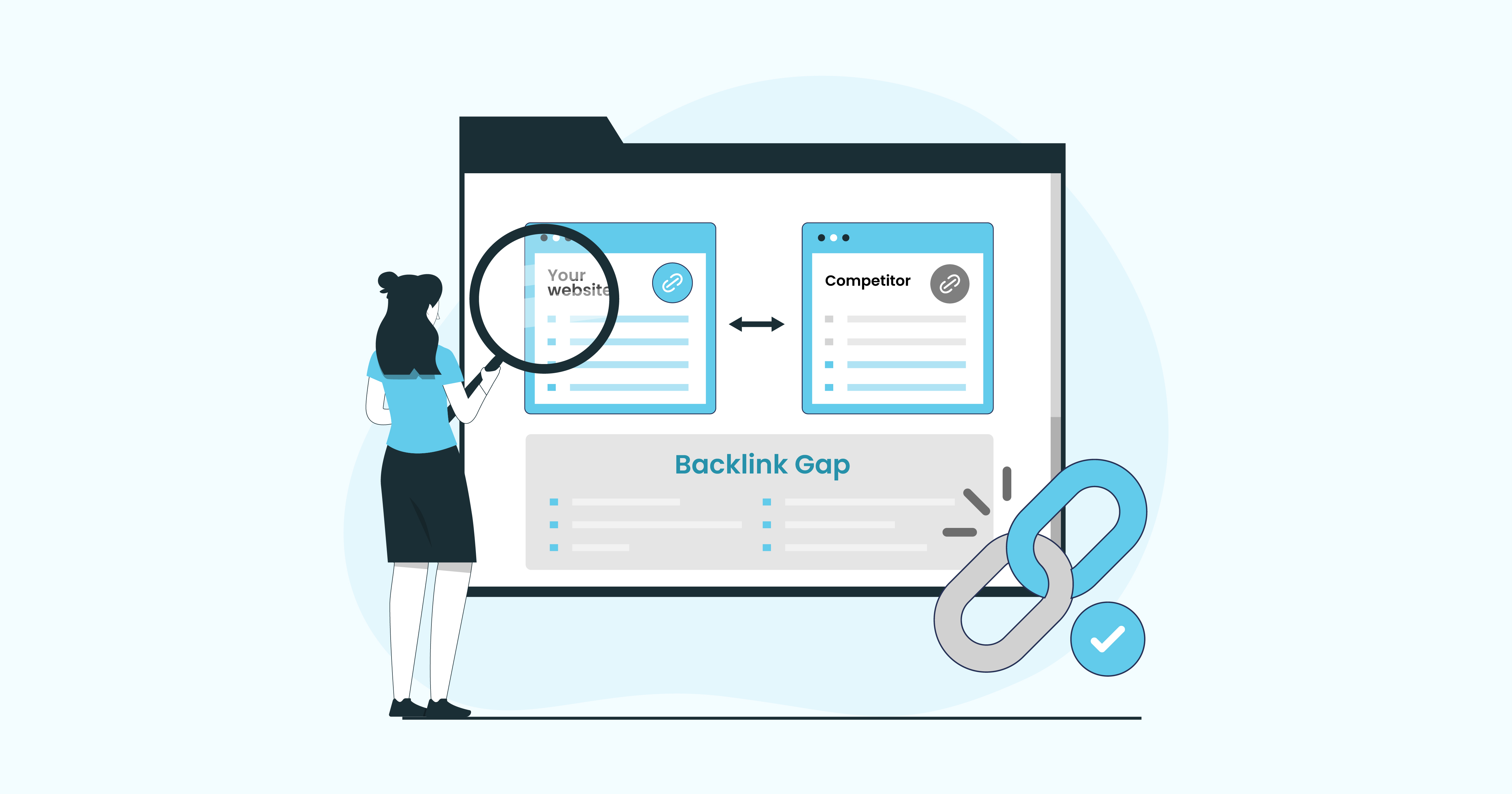
A backlink gap analysis is the process of comparing your backlink profile against your competitors’ to find sites that link to them but not to you. It helps you identify missed link-building opportunities because every referring domain in that gap is a site that has already decided to link to content in your niche. Getting a link from them is more realistic than cold outreach to a site with zero history of linking to anyone in your space.
What You Should Know About Working with Free Tools
There is a significant limitation of working with free tools that you should consider while setting expectations for this process. Free tools will only show you 20-40% of the real links to any given domain because the rest are accessible only through a paid index, are hidden behind a paywall, or simply have not been crawled yet.
When you run a backlink gap analysis using free tools, you work with a sample rather than the full dataset. That sample is still useful. It surfaces real patterns, real link sources, and real opportunities. But you should not treat it as a complete inventory of what your competitors have built.
5 Reasons To Do a Backlink Gap Analysis
If you are trying to outrank competitors with backlinks, you need to understand where the actual gap lies. Here is why a backlink gap analysis matters in 2026:
- You stop wasting time on low-signal outreach.
Instead of pitching sites that have no track record of linking to your niche, you target proven link sources.
- You find patterns in your competitor’s backlink gap.
When five competitors all have links from the same three resource pages, it shows you pages that actively curate links in your space and where you should be linking as well.
- You understand your referring domain gap.
The real benchmark is how many unique referring domains your competitors have that you do not. A single site can link to a competitor 100 times, and that is still just one domain. Measuring the referring domain gap gives you a clearer picture of your actual disadvantage.
- You make your content strategy sharper.
When you discover that a competitor gets most of their links from roundup posts, comparison guides, or statistics pages, you know what content formats earn links in your niche.
- You do not need to spend money to start.
Free tools give you enough data to identify patterns, build initial prospect lists, and start outreach. You can layer in paid tools later if needed.
DIY Edition: Backlink Gap Analysis Without Paid Tools
Learn how to find high-quality websites in this step-by-step breakdown to help you get a competitive edge.
Step 1: Identify the Top 3-5 Competitors
Identify competitors actually ranking for your target keywords, not just brands you know. Google your primary keyword and examine all the companies occupying positions 1 through 10. These are your real competitors in organic search. Pick three to five that are closest to your domain in size and authority. Write them down in a spreadsheet. You will return to this list throughout the process.
Step 2: Pull Backlink Data Using Free Tools
Ahrefs Free Webmaster Tools provides full backlink data for your domain once you verify ownership. Use this to export your existing backlink profile.
Google Search Console also surfaces some of your inbound links under the “Links” report. It is not comprehensive, but it shows you the top linking domains.
Moz Link Explorer has a limited number of free searches per month. You can use it to pull basic backlink data for competitor domains without creating an account.
Ubersuggest has a free tier that shows referring domains and some backlink data for competitor URLs.
Ahrefs’ free backlink checker lets you see the top 100 backlinks for any domain. Go to Ahrefs, search for each competitor’s domain using the free checker, and copy the referring domains into your spreadsheet. You will not get full data exports on free plans. But you will get enough to identify patterns and high-priority targets.
Pulling a list of referring domains is only half the job. Before you add anything to your spreadsheet, you need to confirm the links you found still exist. Backlink data in any tool, free or paid, reflects what was crawled at a specific point in time.
Check out our very own Domain Metrics Checker to analyze the competitors that you identified in the first step.
Step 3: Build Your Comparison Spreadsheet
Organize your data into a master sheet you can reference later. Include the following columns in your spreadsheet.
| Referring Domain | Competitor 1 | Competitor 2 | Competitor 3 | Links to Your Site |
Start populating the rows with data you pull from each tool. Mark each cell with a checkmark or “1” if that domain links to the relevant site, or leave it blank if it does not.
Once you have done this for all competitors, sort by the domains that link to the most competitors but not to you. These are your highest-priority targets for the competitor backlink gap.
A domain linking to all competitors but not you is a priority. The site clearly covers your topic and accepts links. You have a proven entry point.
Step 4: Categorize the Gap by Link Type
Before you start outreach, categorize the referring domains in your gap by link type. Knowing the link type tells you what angle to use in your outreach.
| Resource pages | These are curated lists of tools, guides, or services. They are relatively easy wins if your content fits their criteria. |
| Guest posts | If a competitor’s link comes from a guest post on that domain, the site accepts contributor content. That means you can pitch them too. |
| Roundups and listicles | “Best [X] tools” or “top [X] resources” posts. These updates are made regularly, and editors are often open to adding new entries. |
| Editorial mentions | These require original insights. Publish data, case studies, or expert commentary worth citing. |
| Directories and citations | Lower effort to replicate. If your competitors are listed somewhere and you are not, submit your site. |
Once the highest-value gaps are prioritized, a link building service can turn those opportunities into an outreach and acquisition campaign.
Step 5: Use Domain Quality as Prioritization Metric
Filter out low-quality domains and create a list of “keep” and “skip” domains. Keep domains with real traffic, websites that are topically relevant to you, and pages that get genuine readership. Skip domains that are clearly link farms, have zero organic traffic, or have no clear editorial focus.
Why are we doing this? Google’s 2026 core updates reinforced this: quality links from topically relevant sites outrank quantity. Vanity metrics (high DA, low relevance) don’t move rankings.
Step 6: It’s Time to Start Outreach
Once you have your spreadsheet organized with a list of domains, it’s time to start writing personalized outreach emails. Reference the specific page where your competitor’s link appears. Explain clearly what your content adds that theirs does not.
A general rule of thumb to follow when conducting outreach is to keep it short and sweet. One paragraph about who you are, one sentence about why you are reaching out, and a link to your resource.
Don’t forget to track your outreach in the same spreadsheet. Log the date you reached out, any response, and the outcome. To keep things streamlined and maintain momentum, make sure you do a quarterly review of the link gap analysis, refresh your data, and update your spreadsheet. Review and refresh monthly for competitive niches, quarterly for stable markets.
Running a thorough backlink gap analysis with free tools will not give you every data point a paid platform would. But it will give you more than enough to start closing the gap, building the right links, and pushing your rankings forward without a subscription.
Want to know how many backlinks you actually need to rank? Use the free Backlink Estimator Tool at LinkBuilding HQ to get a data-backed estimate for your specific target keyword.
You Know How It Works. Let Us Run It.
Book a call with a strategist or check out our services to find the best fit for you.

Written by LBHQ Editorial Team
Strategists and outreach leads who've shipped 4,000+ links and recovered dozens of penalized domains.